How to export your recipes from MyFitnessPal
The MyFitnessPal Recipe Box does not come out through the official export. In Calk you describe today’s dish instead of rebuilding the archive.
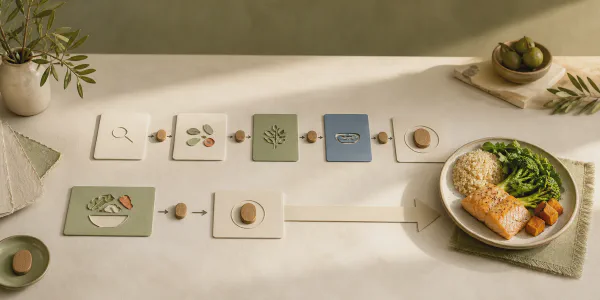
Never counted calories? Calk does not assume you have. You do not have to learn a food database before you can log lunch. Open the closest meal template, change what was different about your version, and save a useful estimate.
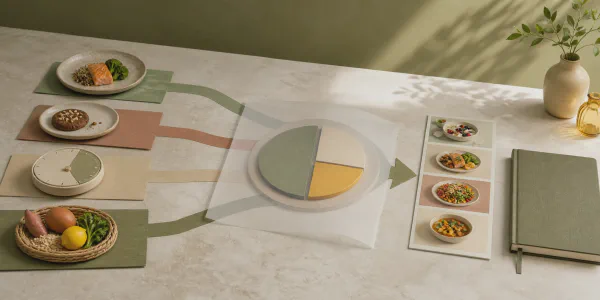
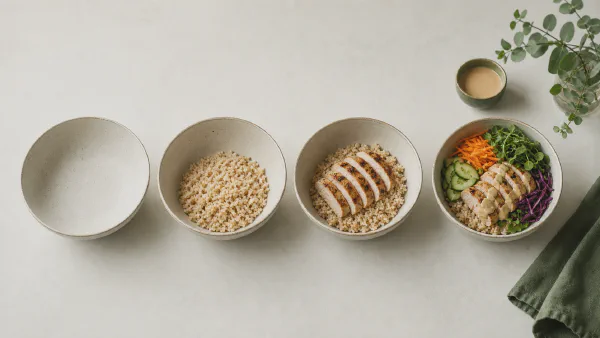
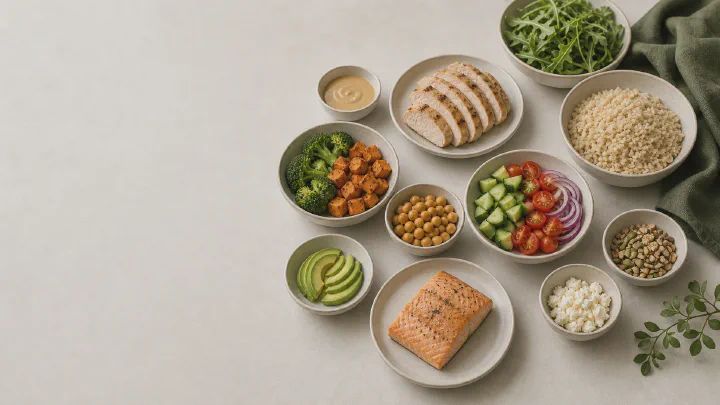
A template holds the composition and portion of a familiar dish, already filled in. You change only what differed in your meal — the portion, an ingredient, the sauce, the cooking method, an extra — so logging stays short and still catches the details that noticeably change calories. Save your version with the ♥ button and put it on the food tab; the next time you eat it, that is two actions: open it and tap Eat.
Without weighing every ingredient, no app knows the exact calorie count of a meal. Calk aims for a consistent estimate you can edit. That is usually enough to compare portions, spot the meals that quietly contribute more than you expected, and read a trend across days or weeks.
Body weight works the same way: one morning can be noisy. A run of comparable measurements tells you more than a single number.
| If you want to know… | Start here |
|---|---|
| How to log a familiar meal without searching a database | What is a meal template? |
| How calorie counting works without a kitchen scale | Calorie counting without weighing food |
| How accurate an editable estimate can be | How accurate is Calk? |
| How to interpret normal weight fluctuations | How to read your weight trend |