
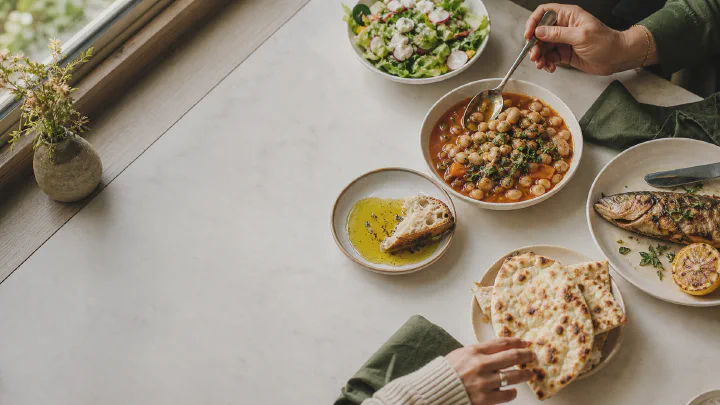
At a restaurant, you want to choose dinner, not work out the chef’s recipe. In Calk, you can log a meal using familiar details: what is in it, how it was cooked, the sauce and the portion size.
The kitchen knows the exact ingredient quantities. Your task is simpler: include what you ate so restaurant lunches and dinners do not disappear from your diary.
Log the details you recognize#
1. Choose a suitable template. A burger, pasta, curry, salad, bowl or another dish from the menu. Let the ingredients guide your choice.
2. Set the cooking method and additions. Grilled chicken and breaded chicken are different dishes. Choose the option that fits and the sauce, such as cream, tomato or pesto. Read more about how cooking changes calories.
3. Choose the portion size. Think about how much you ate: the full serving, half of it or part of a shared dish. Use the closest available size in the template.
4. Add what came with it. Drinks, bread, sides and dessert are part of lunch too. Oil, cheese and sauces are covered in the hidden calories guide.
Build your favorite order once#
If you order the same pasta every week, save your version to favorites with the ♥ button and add it to the food tab. Next time, open it and tap Eat. Different sauce or portion? Change just that detail.
That is how Calk’s meal templates work. Each saved meal means less repeated work in the diary.
While traveling, log what you actually eat#
A hotel breakfast, airport lunch and late dinner can look quite different from meals at home. Use the same approach: main dish, cooking method, portion, additions and drinks.
For a buffet, open the hotel breakfast template and choose what was on your plate: eggs, bread, sides and other breakfast items. If breakfast repeats, save your version and use it again.
Missed an entry? Continue with your next meal. You do not need to reconstruct the whole trip from memory to start logging again.
After a trip, follow the trend#
Unfamiliar meals, salt and changes in routine can temporarily affect your weight. Return to your usual schedule and keep weighing yourself under similar conditions.
Calk will show your weight trend and assess new measurements. If your weight persistently moves away from your goal, the app will suggest returning to the diary. One morning reading after a journey is too little to base a diet change on.
A holiday dinner belongs in the diary too#
Log the main dishes and additions you can identify, then get back to celebrating. The diary is there to help you understand your eating later, not spend the evening on your phone.
In a study of 195 adults, average weight gain over the winter holidays was about 0.4 kg. At follow-up, average weight had not returned to its starting level Yanovski 2000. Keep weighing yourself after the holidays: Calk can help you notice if a change persists.
The next ordinary day is a chance to return to your usual routine. Your holiday dinner stays in the diary and becomes part of the review alongside your other meals.
Let Calk find what repeats#
One dinner says little about a month. Your regular delivery order, its sauce and a drink, though, may show up every week.
Calk’s food observations highlight what deserves attention in recent days. The monthly Nutrition Report shows recurring meals and calorie sources and suggests where to start making changes. You do not have to go through every restaurant order yourself.
Try a suggestion that suits you and check the result against your weight trend. Once every change is a habit and the trend is on track, finish daily food logging and keep weighing yourself. For the full process, read maintaining weight without daily tracking.
Calk is available on iPhone, iPad, and Android.